How to add it to your home screen
- Open help.avtoelektrik-pro.kz in Safari.
- Tap Share — the square with an arrow at the bottom of the screen.
- Choose “Add to Home Screen” and tap “Add”.
- The AvtoElektrik PRO icon appears on your home screen.
What works on iPhone
- Engine and truck fault codes — explained, with the first repair step.
- An auto electrician’s tips on faults: first, what you can do yourself.
- Sensor values and dashboard warning lights.
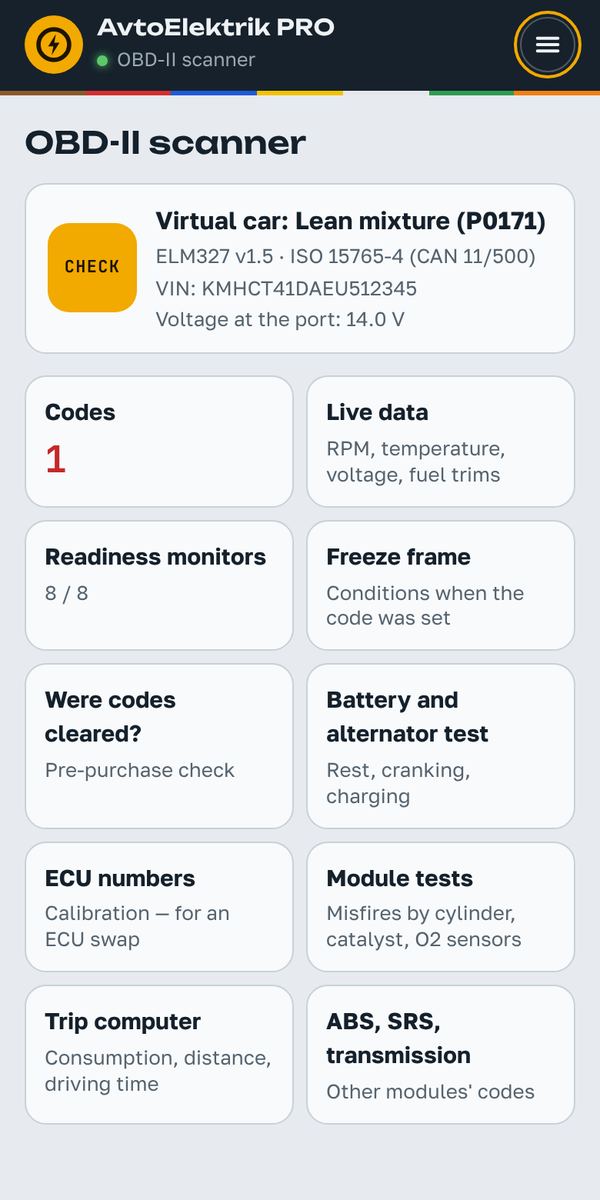
- Auto electrician courses and a scanner on a virtual car.
You can’t connect to an OBD adapter from an iPhone yet: that needs Android or a computer with Scanmatik. All scanner options and downloads →
Who made it
The app was made by Oleg Dmitriev, an auto electrician from Almaty with 26 years of experience. The scanner’s tips come from his practice.